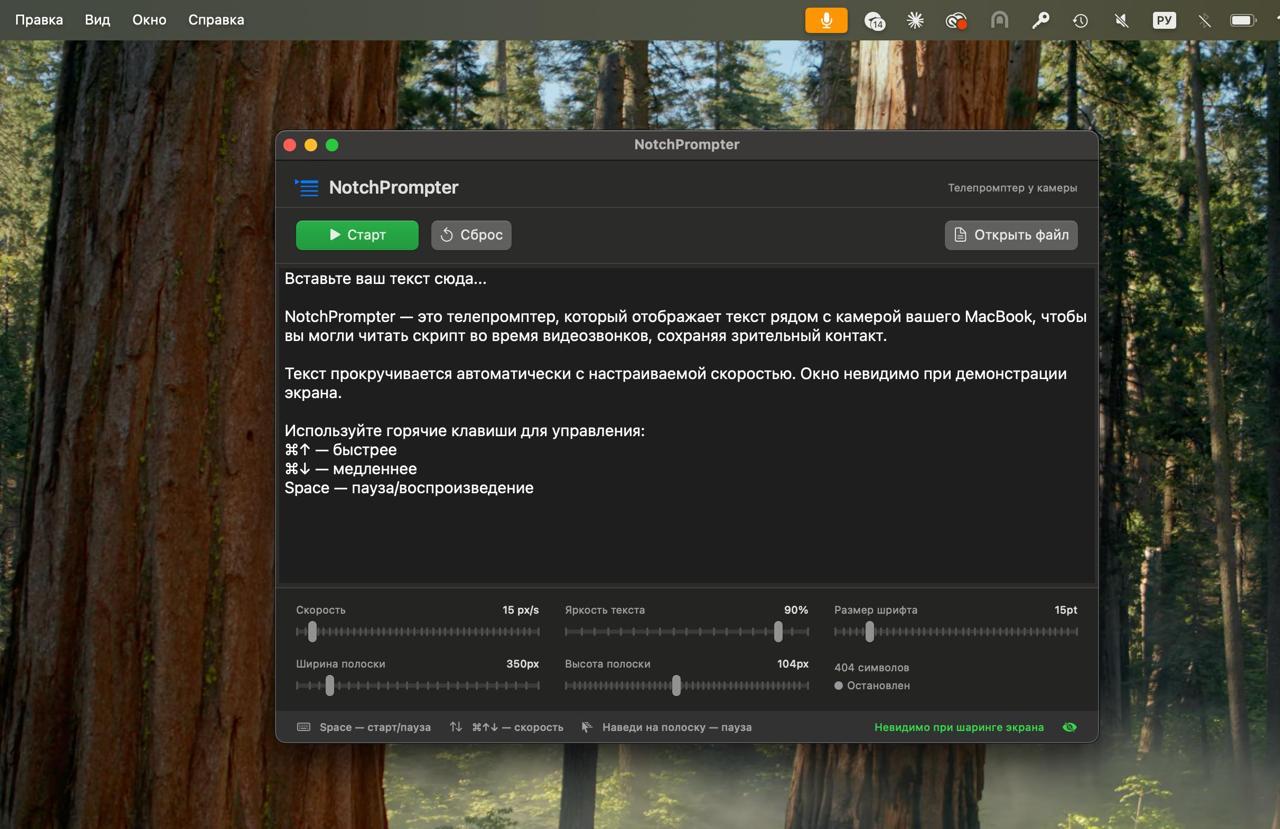
My friend Andrey (creative producer at Yandex) brought an excellent case of solving a work pain in literally a couple of minutes.
For work he needs to shoot promotional videos where it's important to constantly look straight at the camera. If the text is long, memorizing it isn't fun. For such tasks there are ready-made tools like Notchscript: a teleprompter that hides neatly under the MacBook camera notch, so you read the text without looking away.
But Andrey didn't want to pay $20-30 for a utility that's just a couple hundred lines of code, so he decided to simply build it himself with AI.
He went to Codex (chose GPT 5.4 high model) and wrote: "I need a teleprompter for Mac. Study sites with the tool that suits me and build the same thing locally. Make it as an app with an icon so it's easy to launch."
A working application was generated on the first try — with an icon, clear UI, and a welcome message. Only two minor things needed fixing: first, the text was scrolling down instead of up. Second, the dock icon was bigger than others (he just sent a screenshot saying "make it like everyone else's"). Both issues were solved with literally one prompt.
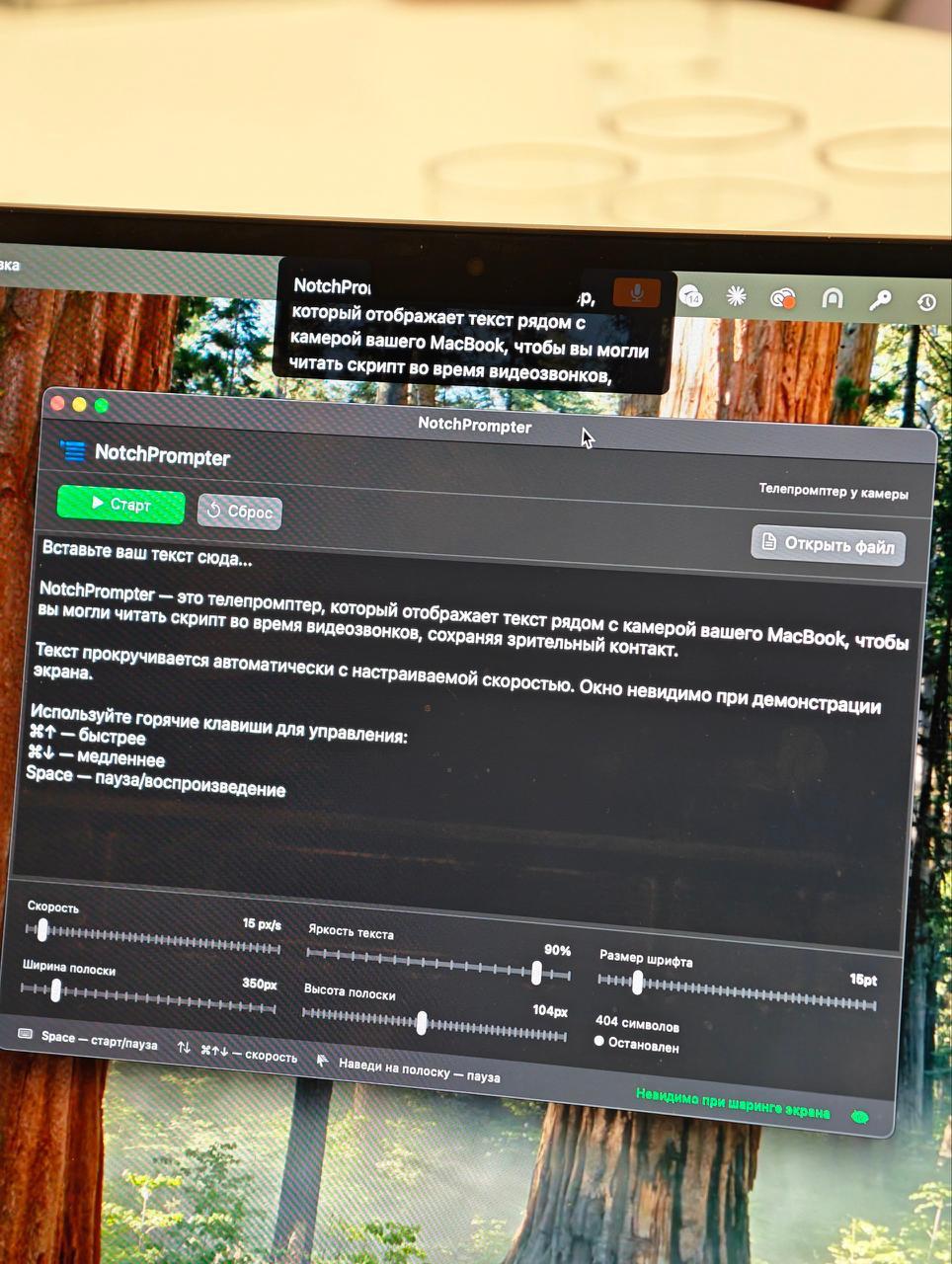
A perfect example of how simple single-function indie utilities can now be vibe-coded for yourself in five minutes instead of buying them.